

Microsoft 365 gives executive teams a powerful foundation for productivity, collaboration, and data protection. Yet many organizations operate with security features that remain partially configured or underused. As threat activity increases across identity platforms and cloud services, optimizing Microsoft 365 security has become a leadership priority tied directly to financial stability, regulatory posture, and operational continuity.
Executives often assume their organization is protected because licenses are already in place. In reality, the strongest protections depend on how those tools are configured and integrated across identity, access, and data environments.
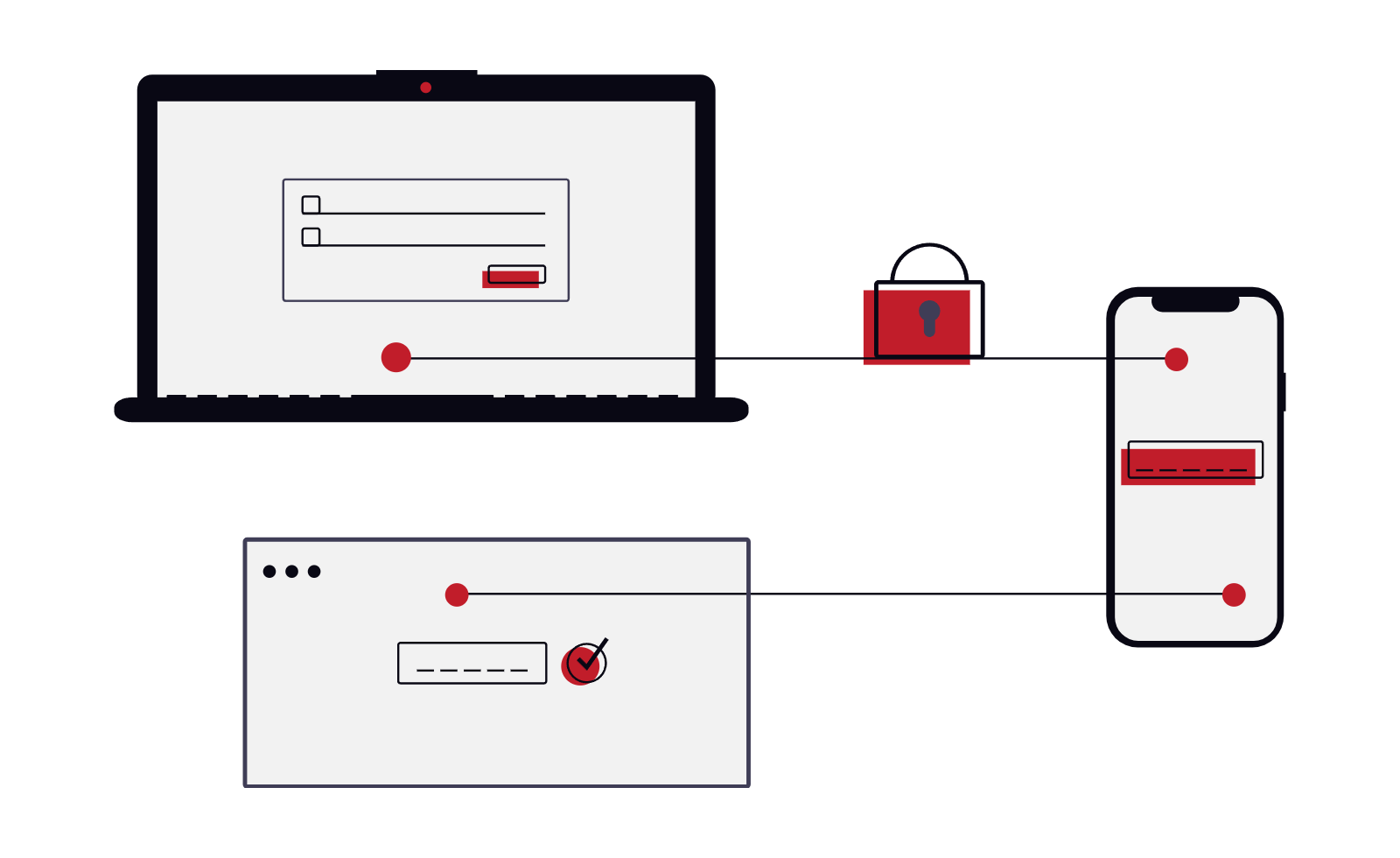
Understand The Modern Identity Based Threat Landscape
Security risks have shifted from traditional perimeter attacks toward identity compromise. Instead of forcing entry through network defenses, attackers now attempt to log in as trusted users. Business email compromise continues to rise because stolen credentials allow quiet access to sensitive conversations and financial workflows.
Microsoft 365 sits at the center of many organizations’ identity strategy, which makes it both powerful and attractive to attackers. AI assisted phishing campaigns now generate realistic messages that can bypass traditional detection methods if identity controls are weak or incomplete.
Optimizing Microsoft 365 begins with strengthening identity protection across all users, especially leadership accounts that control approvals, payments, and strategic decisions.
Apply A Zero Trust Identity And Access Strategy
Microsoft promotes a zero trust security model that assumes every login attempt requires verification. This approach focuses on confirming identity at every access point rather than relying on network boundaries alone.
Organizations can strengthen protection by activating multifactor authentication across all users, limiting access based on roles, and monitoring unusual sign in behavior through Microsoft security dashboards. These features often exist inside current licensing tiers but require configuration to deliver full value.
Executives benefit from this model because it reduces exposure tied to compromised credentials while supporting secure remote collaboration across locations and devices.
Use Licensing Visibility To Unlock Hidden Security Value
Many companies already own advanced Microsoft 365 security capabilities without realizing it. Licensing tiers frequently include tools for identity monitoring, threat detection, compliance auditing, and automated response actions.
A structured licensing review helps leadership teams identify which protections are active, which remain unused, and where targeted upgrades could improve risk posture. This visibility also supports budget planning because organizations can prioritize improvements using tools already available within existing subscriptions.
Working with an experienced Microsoft partner helps translate licensing complexity into clear security improvements aligned with business priorities.
Strengthen Data Protection And Compliance Controls
Security strategy must protect both access and information. Microsoft 365 includes tools that help organizations monitor sensitive content movement, apply classification policies, and maintain audit trails that support compliance requirements across industries.
These protections support executive confidence during regulatory reviews because they provide evidence that access activity and data handling remain visible across the environment. When combined with identity controls and threat monitoring, they create a layered security posture that supports long term resilience.
Organizations that activate these protections often reduce response time during investigations and improve reporting clarity across leadership teams.
Address Windows Server 2016 End Of Life Risks Across The Environment
Microsoft 365 security cannot operate in isolation from the broader infrastructure landscape. Windows Server 2016 end of life introduces new exposure for organizations still running legacy workloads connected to identity services or hybrid environments.
Extended security updates remain available through extended security updates programs supported by ESU licensing. These updates provide temporary protection while organizations transition toward modern platforms that align with current Microsoft security standards.
Executive teams that evaluate Windows Server 2016 end of life alongside Microsoft 365 optimization gain a clearer roadmap for reducing legacy risk while maintaining operational stability during migration planning.
Optimizing Microsoft 365 security creates stronger identity protection, better licensing visibility, and improved compliance readiness across the enterprise. Partnering with experienced advisors helps translate Microsoft capabilities into measurable protection aligned with business goals. Contact us today to strengthen your Microsoft 365 security strategy with guidance tailored to your organization.