Parallels RAS is designed to give users a flexible and intuitive way to access applications and desktops from virtually any device. Employees can connect through an HTML5 browser or by using a native client, making it simple for both remote and on-site staff.
With browser access, a user only needs to type in the gateway address and log in with their domain credentials. Applications can then be launched directly in the browser window and managed through a built-in taskbar. This makes it easy to switch between multiple apps, use sound and microphone devices, and even print to local printers through virtual printer mapping. Users can also transfer files in and out of the session, which is particularly valuable for hybrid work environments.
For a more seamless desktop experience, Parallels RAS also offers native clients across Windows, Linux, Mac, iOS, Android, and Chrome OS. Native clients give users a near-local performance feel, with applications launching in separate windows and appearing in the system task manager. These clients expand device support to include USB devices, webcams, and multiple printers. Users can also drag and drop files between local and remote environments, which increases productivity and makes remote applications feel like they are installed locally.
Supporting Enterprise Security Needs
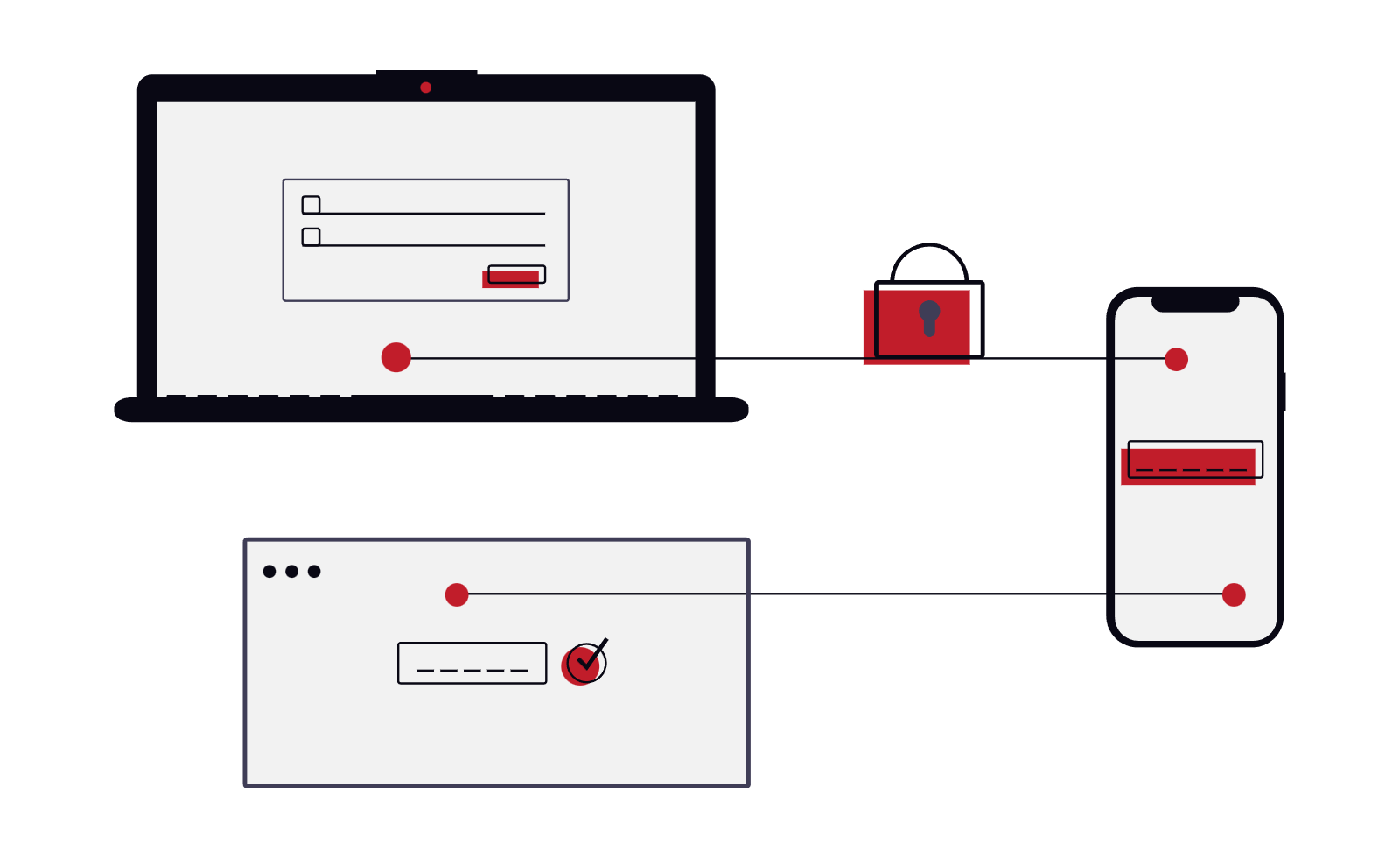
Security remains a top priority for executive leadership, and Parallels RAS addresses this with built-in features. Gateways handle encrypted connections, and certificates can be managed directly within the console. Organizations can choose to use self-signed certificates or integrate corporate certificates for stronger trust. Authentication can also be configured across multiple identity providers, giving businesses flexibility in how they protect their digital assets.
By centralizing access controls, Parallels RAS reduces complexity while maintaining high standards for data protection. Whether applications are hosted on-site, in Azure, or through virtual desktops, sensitive information stays protected within the environment. For companies evaluating DaaS platforms, this integrated security approach simplifies compliance without sacrificing usability.
Administrator Experience with the RAS Console
While the user side of Parallels RAS focuses on simplicity, the administrative experience is equally streamlined. The RAS Console is the central tool for managing the entire infrastructure. From one interface, administrators can oversee gateways, connection brokers, session hosts, and virtual desktops.
The interface avoids unnecessary complexity. Instead of navigating through multiple layers of menus, admins see a clear layout with categories on the left-hand panel. Tasks like adding new gateways, deploying session hosts, or configuring connection brokers are handled through guided steps. Software installation and configuration are automatically pushed to machines on the network, which eliminates the need for manual setup on each server.
Administrators can also group resources into host pools to segment workloads by department or function. For example, engineering applications can be separated from marketing tools, which allows for efficient resource allocation. Publishing applications and desktops to users is equally straightforward. With a few clicks, admins can make applications available, restrict them, or place them into maintenance mode with visible status updates for users.
Publishing and Managing Applications
The publishing category of the RAS Console provides powerful tools for resource delivery. Applications, desktops, shared documents, and even internal file shares can all be made available to users securely. Admins can centrally configure corporate endpoints, ensuring that even applications installed locally on devices can be managed through the same dashboard.
Publishing follows a two-stage process. First, administrators identify the resources on the host systems. Next, they determine which users or groups should have access. This method allows IT teams to control availability while maintaining flexibility. If maintenance is required, administrators can dim the resource in the user interface and post a custom message, creating transparency without disrupting productivity.
Why Leaders Are Considering Parallels RAS
For executives evaluating remote access solutions, Parallels RAS offers a balance of simplicity, flexibility, and strong security. Users benefit from a seamless experience across devices, while administrators gain a streamlined management console that reduces overhead. Compared to platforms like Citrix or Horizon, Parallels RAS positions itself as a modern, cost-efficient alternative that scales with organizational needs.
By aligning user expectations with operational efficiency, Parallels RAS helps companies improve productivity and security while simplifying IT management. Contact us today to explore how Choice Solutions can help your organization deploy and optimize Parallels RAS.